Here are some easy loan payment options:
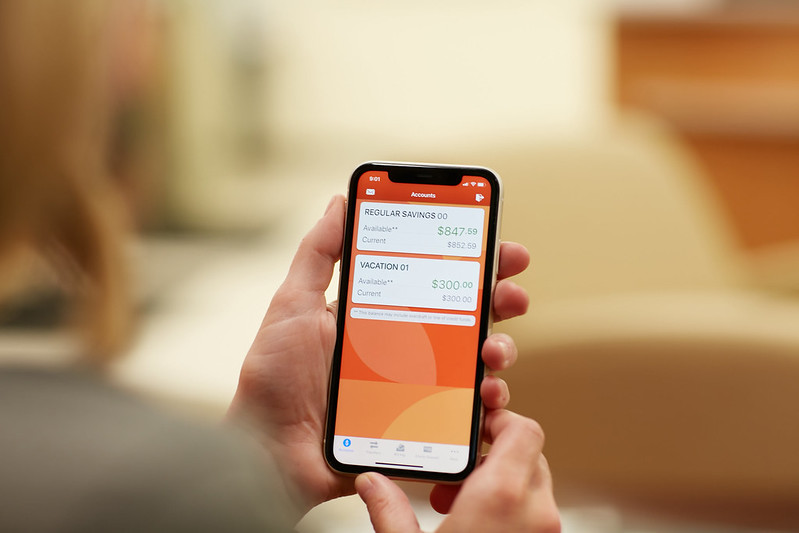
Bloom CU Online Banking & WMCU Mobile App
1. Sign in to your Bloom CU account using your web browser or Bloom Mobile App
2. Click on Accounts, then the specific loan you want
3. Click on “Make A Payment”
2. Click on Accounts, then the specific loan you want
3. Click on “Make A Payment”
Click here to use SWIVEL Pay to access funds from another institution
You can make a one-time payment or register and set up recurring payments. To register, use your member number (without account suffixes) and enter the information for the primary account holder.
ACH limit of $10,000 and Card limit of $5,000. Convenience fees apply, but are not applied to the limit.
Set up an Automatic ACH or Bill Payment from another institution.
Go to any Bloom branch location
Sign up for Direct Deposit to Bloom CU.
Then you'll have many simple, free ways to make your loan payment.
Use Bloom's Bank-By-Phone Service, CU Talk
Mail us a payment
Mail your check to WMCU, 1319 Front Ave. N.W., Grand Rapids, Mi, 49504.
For more information about making loan payments call 616-452-2161 or email memberservice@bloomcu.org.